Your Social Sharing App:
Download BoloUp and Go Live

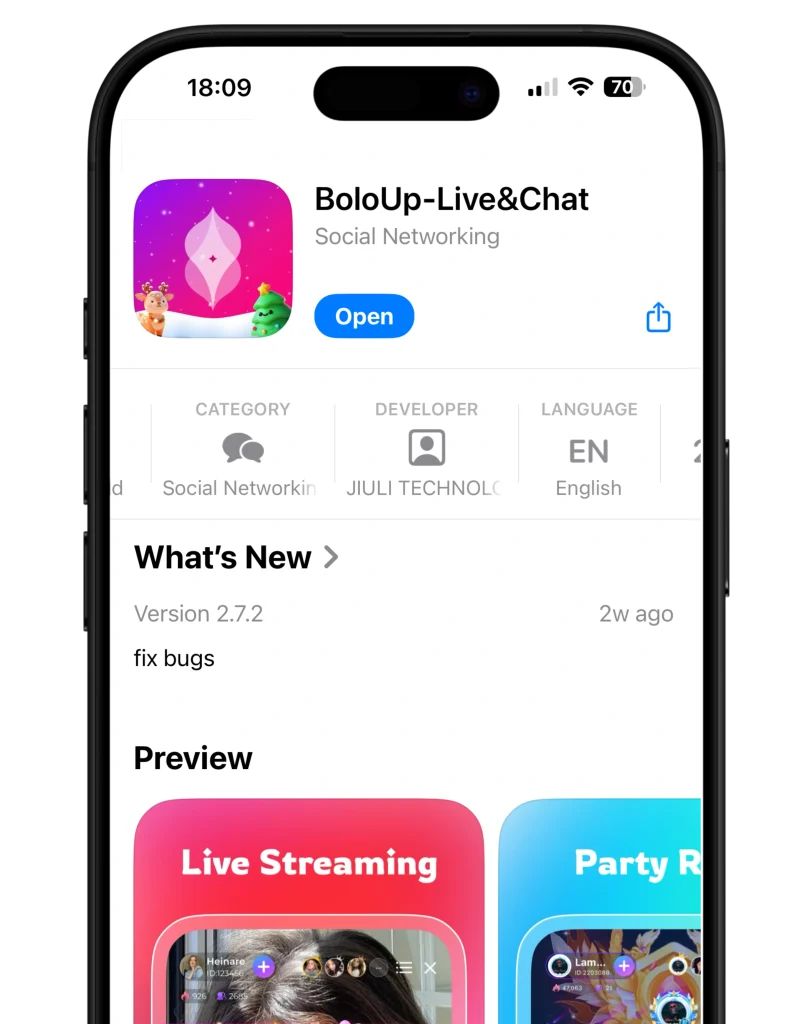
BoloUp is a social sharing app that lets you become a Host or Agent and go live with confidence. With BoloUp, you can share content, host live sessions, and engage with your audience in real time—all from one easy-to-use platform.

Download BoloUp App Store.svg
Download BoloUP Google Play Store.svg
download boloup 1

Step By Step Guide on Downloading BoloUp Pro

System Requirements

Android:

  • Operating System: Android 5.0 or higher.
  • Storage: Sufficient space for app installation.

iOS:

  • Operating System: iOS 10.0 or later.
  • Compatible with iPhone, iPad, and iPod touch.
BoloUpApp

How to Download and Install BoloUp Pro Live App:

For Android Users:

  • Visit the Google Play Store: Open the Play Store on your Android device.
  • Search for Poppo Live: Type “BoloUp” in the search bar.
  • Select and Install: Click on the BoloUp app from the search results and tap “Install” to download.

For iOS Users:

  • Open the App Store: Launch the App Store on your iPhone or iPad.
  • Search for Poppo Live: Enter “BoloUp” in the search field.
  • Download the App: Tap “Get” to install the app on your device.

For PC Users:

While Poppo Live is primarily designed for mobile devices, you can access it on a PC using an Android emulator:

  • Install an Emulator: Download and install an Android emulator like BlueStacks or MEmu on your PC.
  • Set Up the Emulator: Follow the on-screen instructions to set up the emulator.
  • Access the Play Store: Within the emulator, open the Google Play Store.
  • Download Poppo Live: Search for “BoloUp” and install it as you would on a mobile device.

Getting Started on BoloUp:

  • Create an Account: Open the app and sign up using your phone number or email address.
  • Set Up Your Profile: Customize your profile with a picture and bio to attract followers.
  • Explore Content: Browse live streams, join chat rooms, and start interacting with the community.
  • Start Streaming: If you’re interested in hosting, initiate your live stream and share your moments with viewers.